Keel
Get the app

For iPhone

Every payment, one calm place.

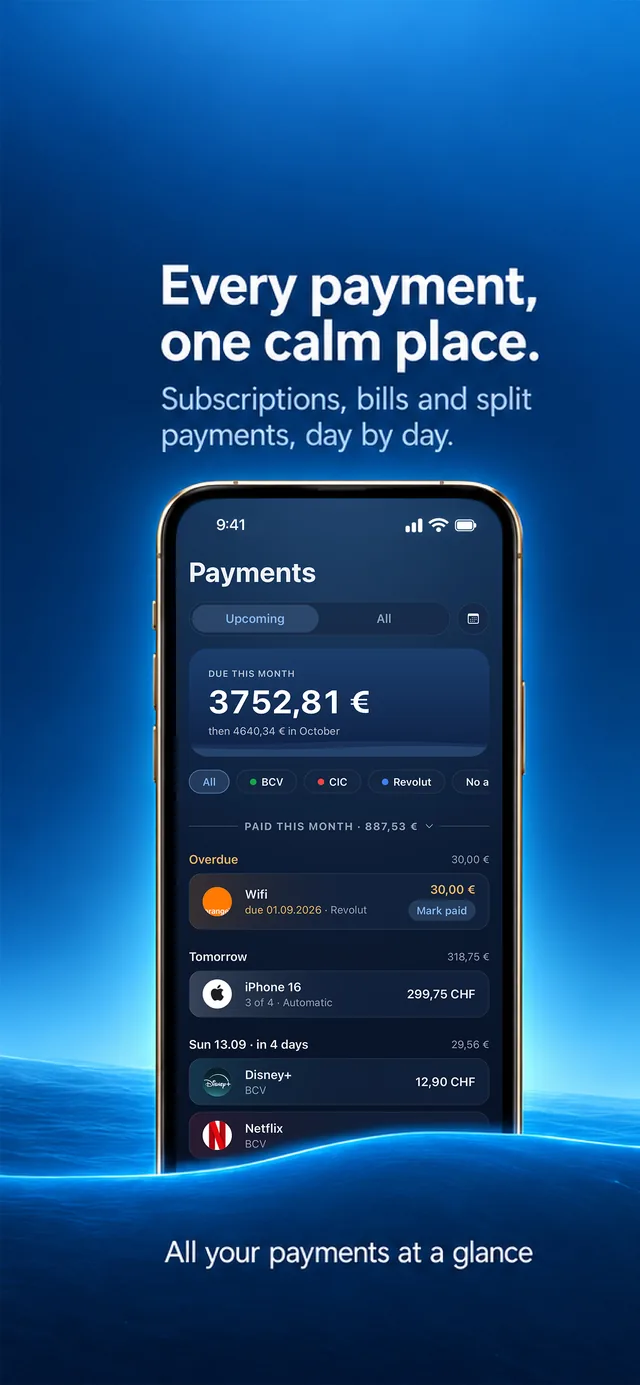
Subscriptions, bills and the pay-in-4 you forgot about. Keel knows what leaves, from which account, and what it really costs.

Coming soon to theApp Store Free for 45 days. One purchase after, nothing renews.
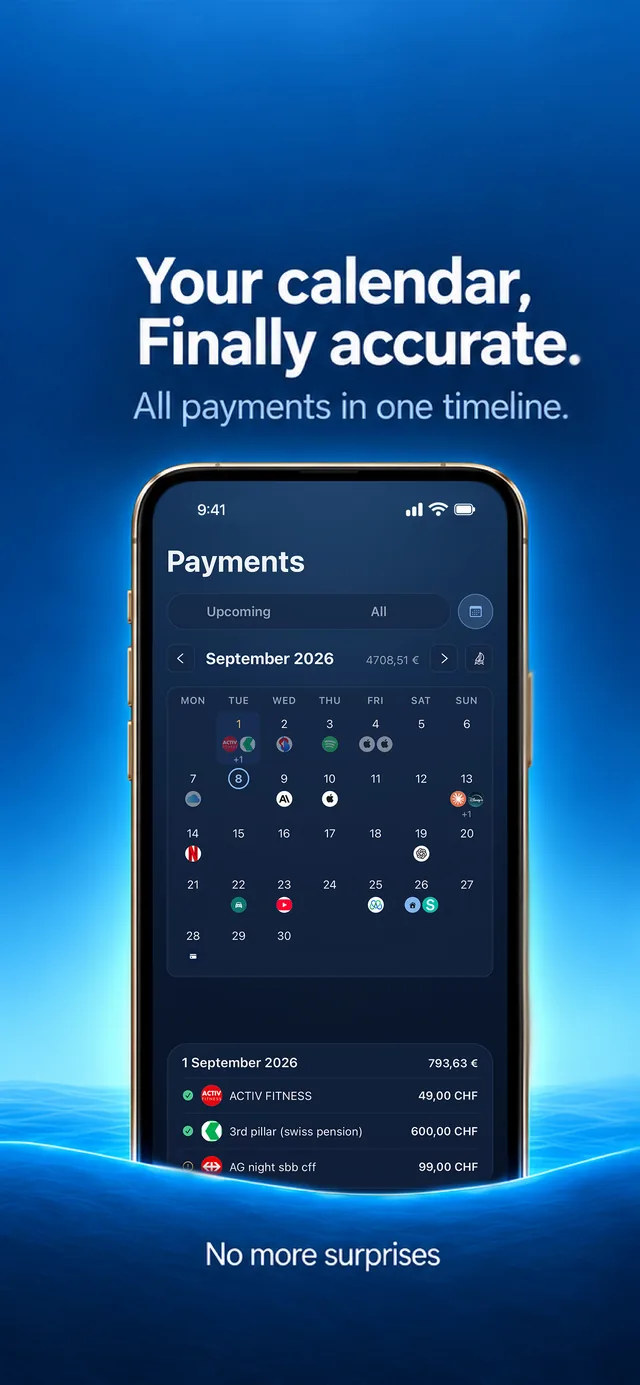
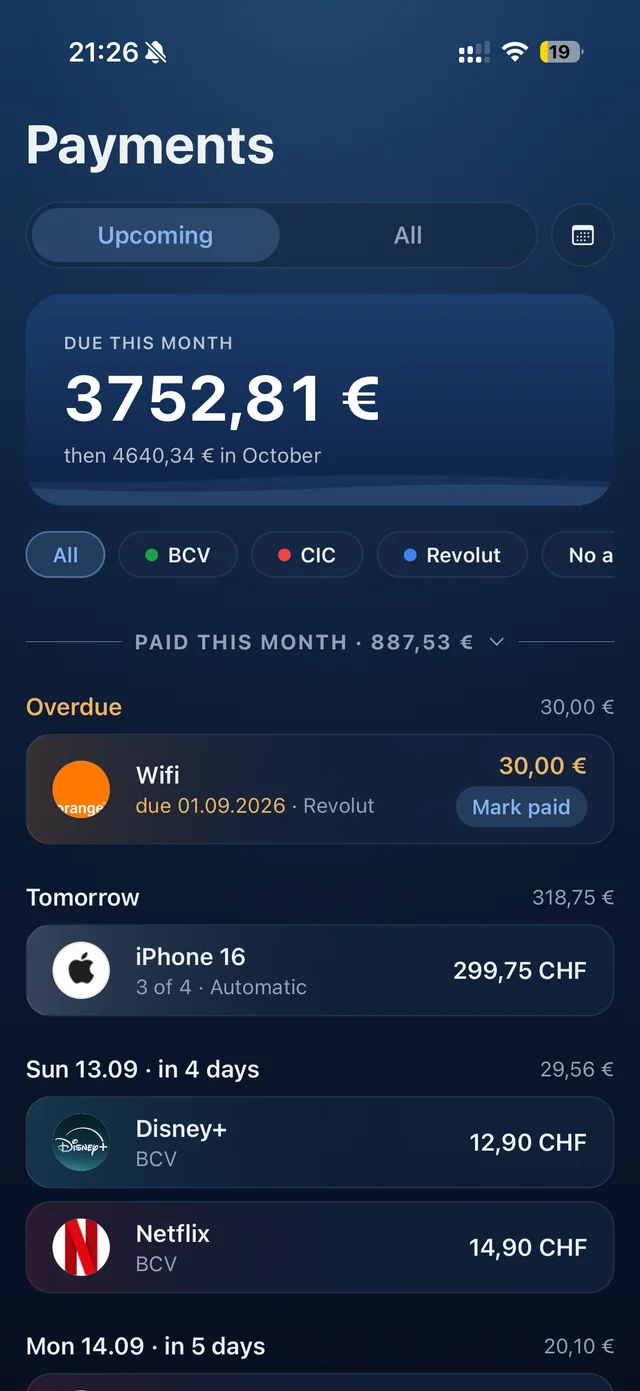
Keel's Upcoming timeline screenshot
Payments · Upcoming

The ground rules

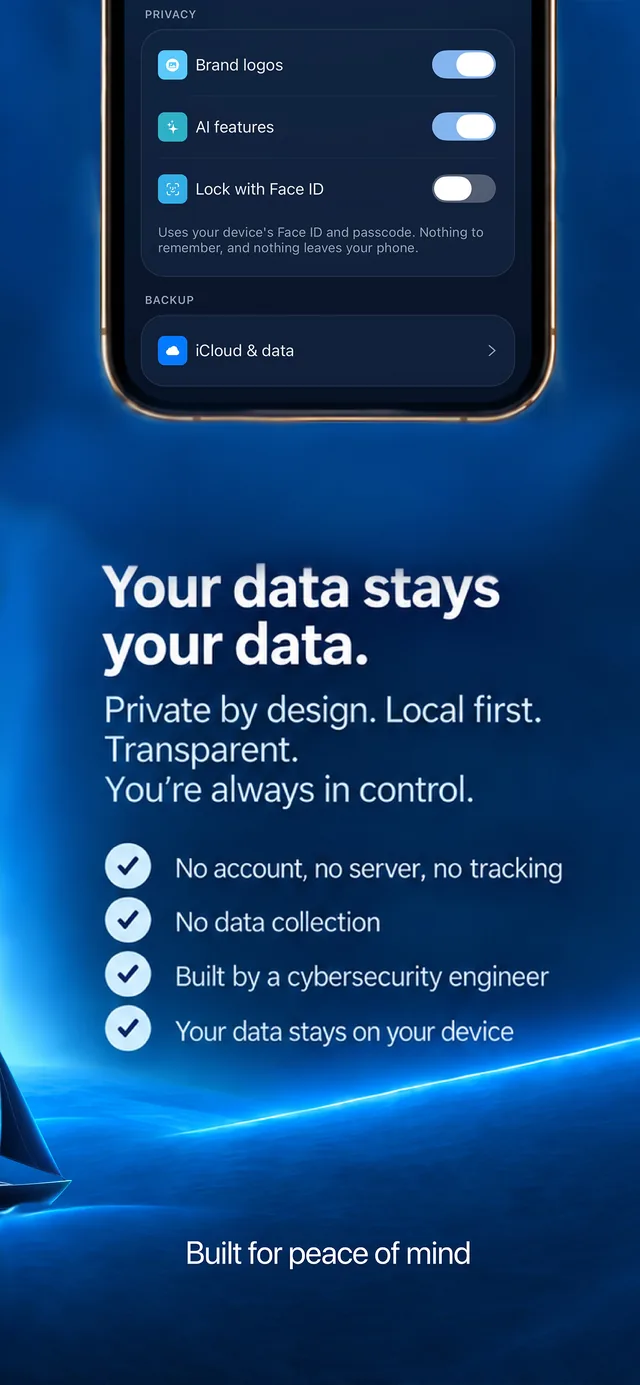
Private by architecture. No account, no server, no tracking. Built by a cybersecurity engineer who'd rather there be nothing to breach.

Every payment, not just subscriptions. Bills, split purchases and once-a-year ambushes are first-class citizens here.

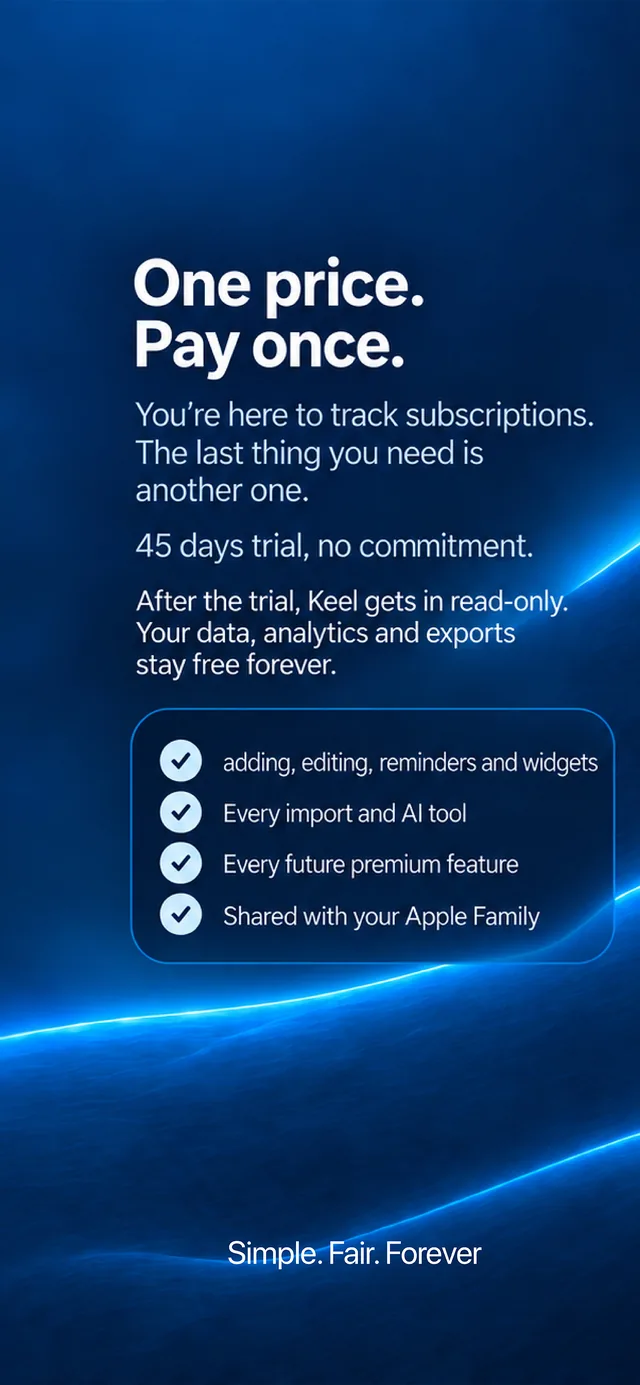
Not a subscription. 45 days free in full, then one purchase, once, for life. Nothing renews, nothing to cancel.

Native for iPhone. Widgets, Face ID, and Apple Intelligence on supported iPhones.

keel /kiːl/ the spine along the bottom of a boat: the part that keeps it steady and upright, whatever the weather. That's the job here.

Why Keel exists

The setup always killed it.

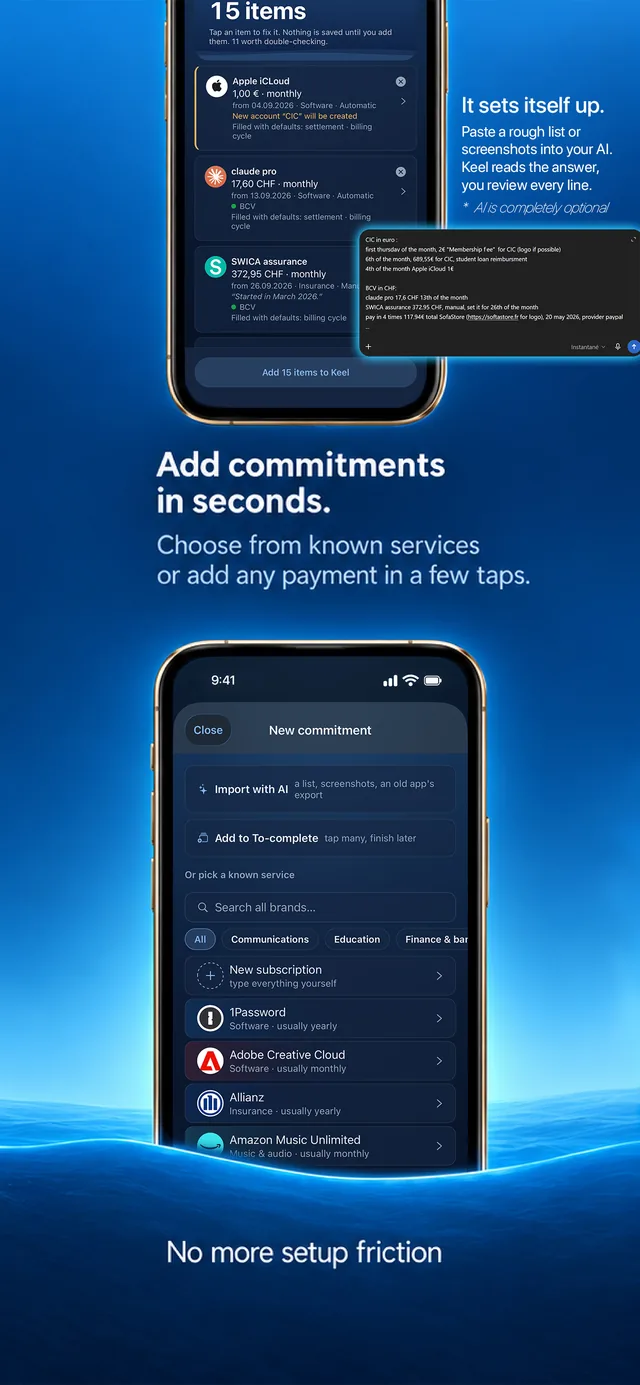
Subscription trackers never survived on my phone. Not because they were bad, but because starting one meant an afternoon: sit down, try to remember every subscription, dig through emails and bank statements, then type each one in by hand. Keel removes that wall. Pick from known services and get everything pre-filled, queue the rest for later, or hand AI a rough list, screenshots, even the data export from whatever tracked them before: your own AI, or Apple Intelligence right on the phone. Minutes, not an afternoon.
The scary payment was never Netflix.

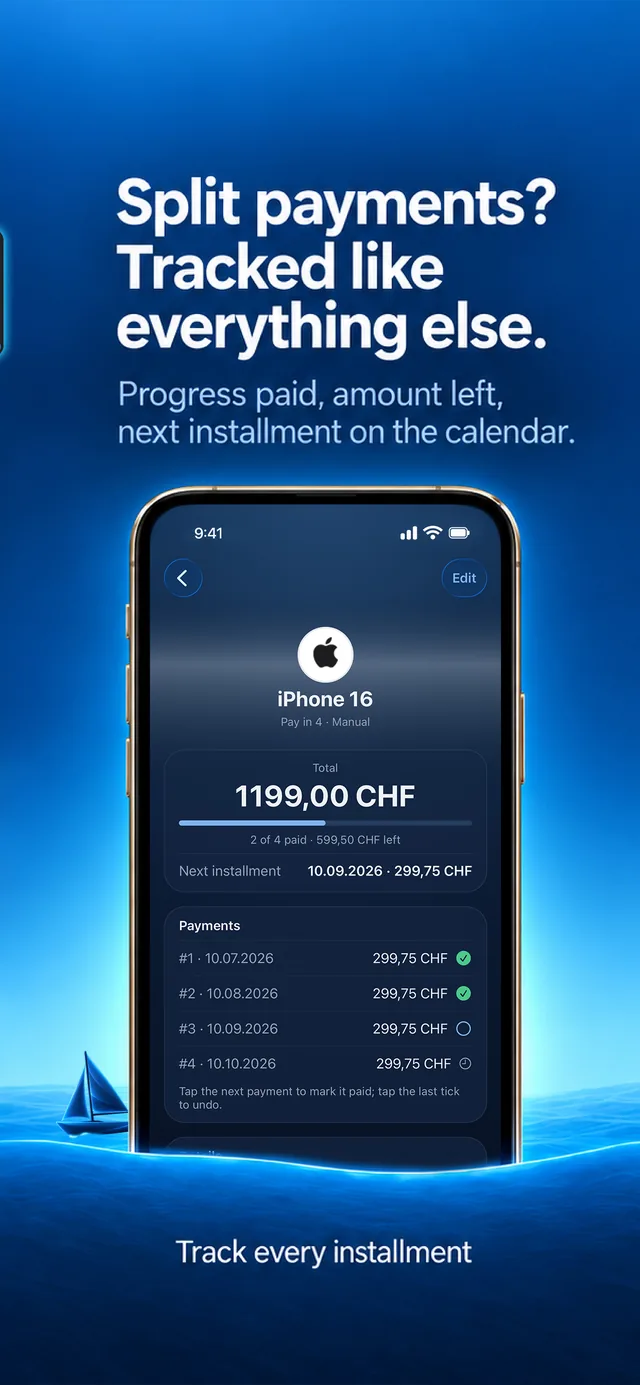
It was the pay-in-4. Which account does it hit, when, and for how many more months? Split purchases have quietly become a freeway to debt precisely because nothing tracks them, and apps built for subscriptions can only fake them. In Keel they're first-class: every installment, its account, its provider, its end date.

See it work

One messy list,
four screens later.

A working illustration: simplified web recreations, not the app's exact UI. Four features shown briefly; the app goes further on every one of them. And the AI import is optional: it exists to cut the setup friction. Entering by hand is just as polished, with known services pre-filled.

You write (or screenshot, or export from your old tracker) something like

boursorama (eur): account fee 2€ first thursday of the month. car loan 645.30 the 7th. google one 1.99 the 4th.

postfinance (chf): rent 1620 manual the 25th. css insurance 289.40 manual 25th. frankly 3a savings 550 monthly manual. chatgpt plus 21.55 the 15th. serafe 335 yearly since 31 march, 312 next year. half-fare card 120 every 26 december, 190 from 2027 (pay before jan 1). magicpass 399 per year since dec 2025, last one dec 2026. tpg pass 500 since 24 march, 730 from 2027. tcs 96/year then 76. salt internet 39.95 manual since 9 april. basefit 59 manual the 4th.

neon (chf): google one 1.99 the 4th. airpods pay-in-4 179€ via paypal from 20 may. custom keyboard pay-in-4 1560 hkd from 29 april.

Keel reads back

Press "Read my list" and the results land here. The rest of the tour unlocks with them.
RentCHF 1620
manualthe 25thPostFinance
SERAFECHF 335 / yr
manualyearly · 31 Mar312 from 2027
AirPods · PayPal4 × €44.75
automaticsplit paymentfrom 20 MayNeon
Custom keyboard · pay-in-4HKD 1560
automatic≈ €44.43 / paymentfrom 29 Apr
Half-fare cardCHF 120 / yr
manual26 Dec190 from 2027note: pay before Jan 1
…and the other 12, read the same way

Every item goes through a manual review screen before it's saved.

A note on AI and your data

AI is optional in Keel, and it is off until you reach for it. The path we recommend today goes through an AI you already trust (ChatGPT, Claude, Gemini). Keel is not connected to it: the app hands you ready-made instructions, you paste them into your AI wherever you normally use it, and bring its answer back. Your list travels only where you take it, under that AI's own terms: use one you trust, and leave out anything you'd rather keep to yourself.

Keel can also read a list itself, on the small model that lives on your iPhone. Apple documents that processing as on-device and offline. Be warned it is genuinely limited: it copes with a few simple lines and struggles with anything long or messy. Apple has announced a far more capable model for apps, running on its Private Cloud Compute, and Keel will offer it as an option once it is available; that one would need a connection, and we would describe it in Apple's own terms rather than ours.

Either way, Keel has no server and never sees your list. The app only reads the answer, on your phone, and every item stops at a review screen before anything is saved.

And if you want no AI at all: one switch in Settings removes every AI surface and entry point from the app. Your data and history stay untouched.

The same list, as your timeline · it's Sunday, July 12th

Due this month CHF 1991.91 then CHF 2674.09 in August
Overdue CHF 289.40
CSS Assurancedue Jul 9CHF 289.40 · PostFinance
Mon Jul 20 €44.75
AirPods · PayPal3 of 4€44.75 · Neonautomatic
Sat Jul 25 CHF 1620
RentmanualCHF 1620 · PostFinance
Wed Jul 29 €44.42
Custom keyboard4 of 4 · last€44.42 · Neonautomatic

Every month, past and future. Tap a bar.

Jul 2026 · Jun 2027

Coral bars flag the spike months, a hint added for this demo only: the app keeps its charts clean and lets the numbers speak.

Tap a bar to see its payments: paid, still due, or overdue. Tap it again to step back. The dashed line is the monthly average.

Where a month really goes

CHF 2753per month, smoothed

    Tap a slice or its legend row to see what's inside it.

    Yearly costs are split into twelfths here, so a once-a-year renewal still shows its true weight in every month. The finite splits and the paused 3a are left out: this is the committed monthly.

    Built for the payments
    other trackers skip.

    The pay-in-4 finally has a home.

    Split purchases are real things in Keel: every installment tracked, with its provider, its progress, its end date, and the account it leaves from.

    Price changes,
    kept on file.

    A rise or a drop is recorded ahead, applied on its exact day, and Insights shows how far your month has drifted.

    Reminders
    that respect you.

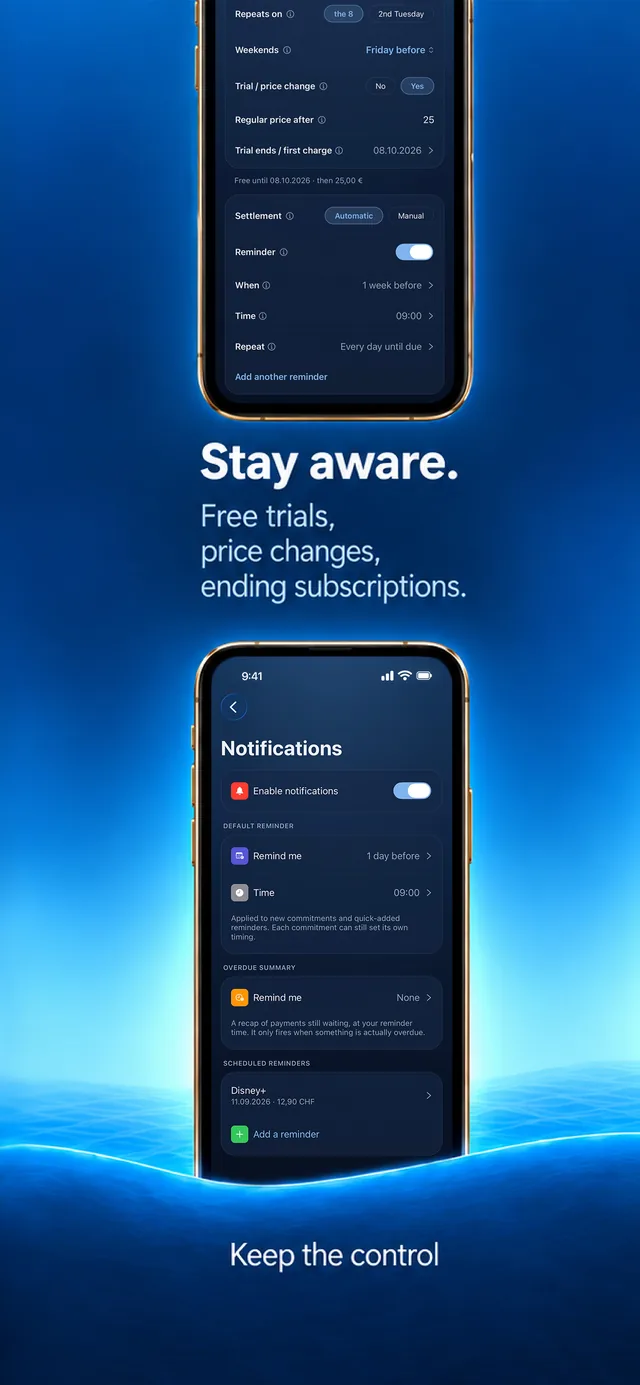
    One default lead and hour for everything, adjustable per commitment. Trials and price changes warn before they charge.

    Three currencies,
    one truthful total.

    Each commitment bills in the currency it really bills in. Totals merge at daily ECB reference rates instead of pretending everything is one money.

    The yearly number
    has opinions.

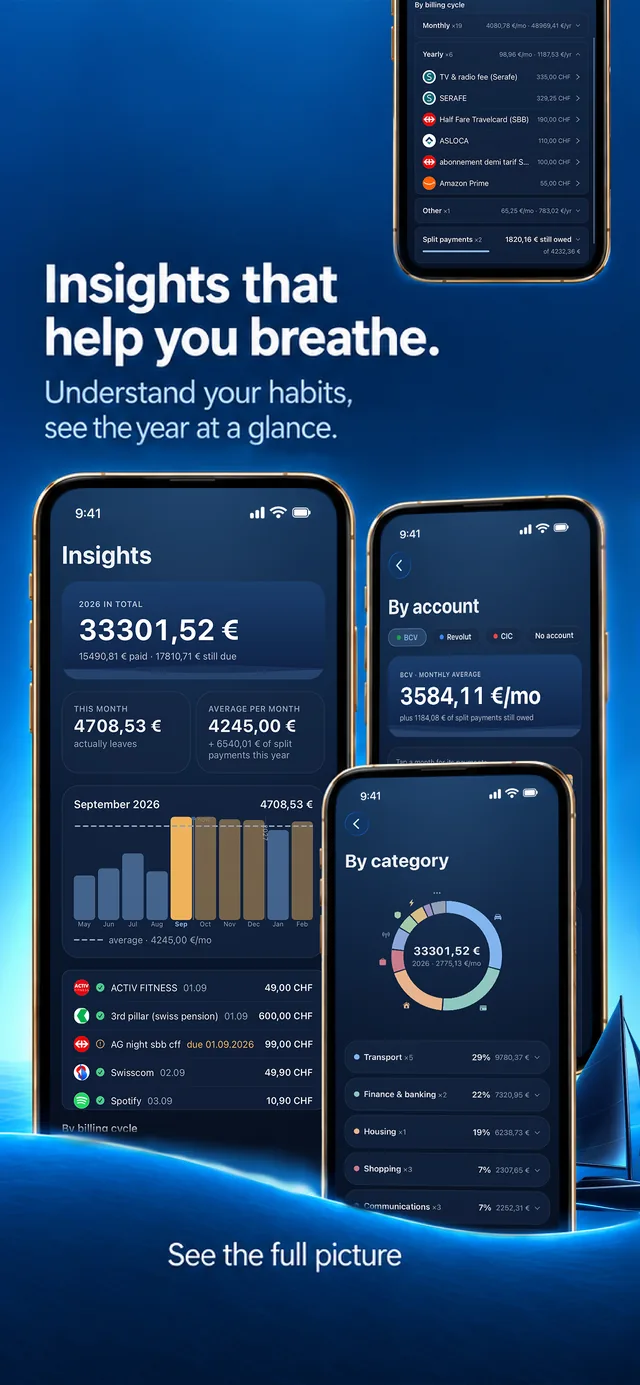
    Monthly prices are designed to look small. Insights totals every commitment over a full year, splits your month by category, and makes the superfluous ones impossible to unsee. Where to save stops being a feeling and becomes a number.

    And one secret

    There's a harbor inside.

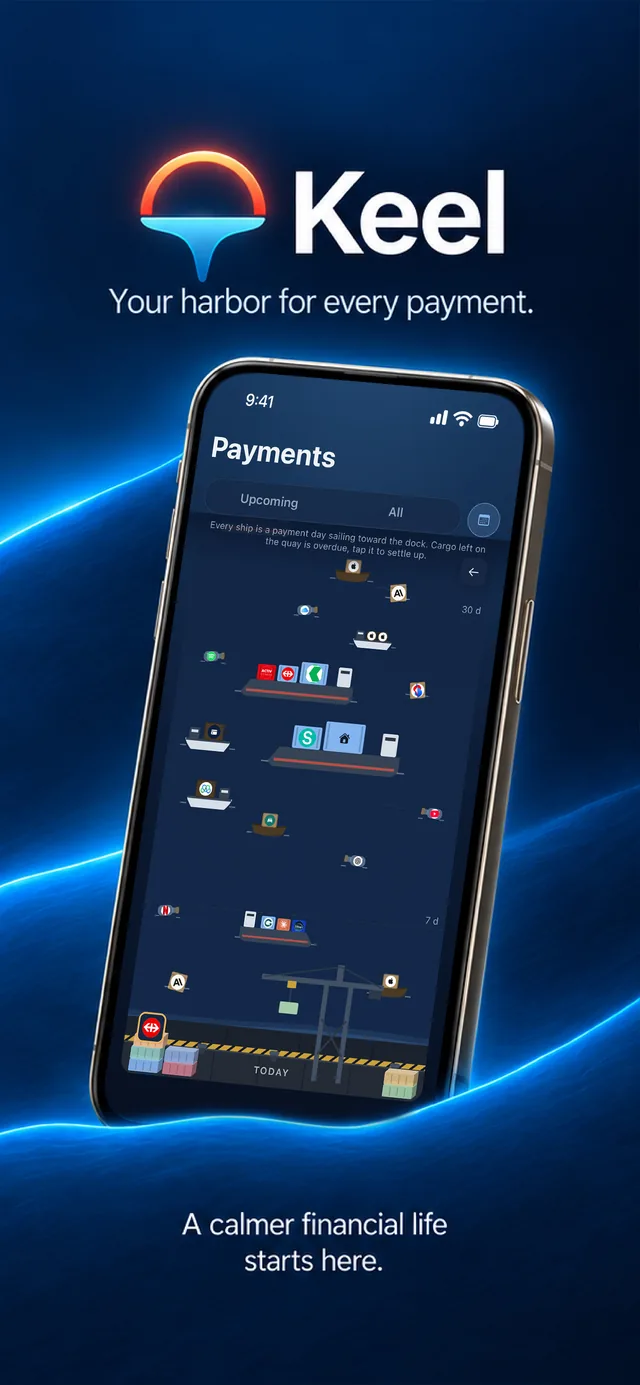
    Your year of payments, sailing. Found behind the calendar, when you're ready.

    The harbor: a year of payments as vessels harbor teaser
    screenshot / loop

    The deal, plainly

    Free for 45 days.
    One purchase if Keel earns its keep.

    You're here to track subscriptions. The last thing you need is another one.

    Everything is unlocked for 45 days, and the clock only starts when you add your first commitment. After that, Keel keeps showing everything you tracked: your list, your charts, your history, and your data can always be exported. Adding and editing, reminders, widgets and the AI tools come back with Full Keel: 12 CHF if you decide during your trial, 15 CHF after. Once, for good, shared with your Apple Family, up to 5 people. Prices in other currencies follow the App Store and can vary slightly.

    15 CHF
    12 CHF
    Full Keel · trial price, yours to keep
    Coming soon to theApp Store
    photo

    The person behind it

    Hi, I'm Maxime 👋

    I'm a cybersecurity engineer, graduated from EPFL and ETH Zürich. Security is my field, but I have a heavy background in app development. Keel is my first solo project to make it all the way to a real, shipped product: something I maintain, and run my own money through every day.

    The security background is why Keel works the way it does. Your finances stay on your phone because I've spent years studying what happens to data that leaves it. No account, no servers, nothing to breach: it's not a feature I added, it's the architecture I started from.

    Everything about this app was made by one person. If Keel helps you, or if something feels off, I genuinely want to hear it.

    Be there when Keel ships.

    The launch, and everything on the way to it, gets posted in one place.

    Follow along on LinkedIn

    No newsletter, no forms. Just stay alert.

    Every payment, one calm place.

    Coming soon to theApp Store